
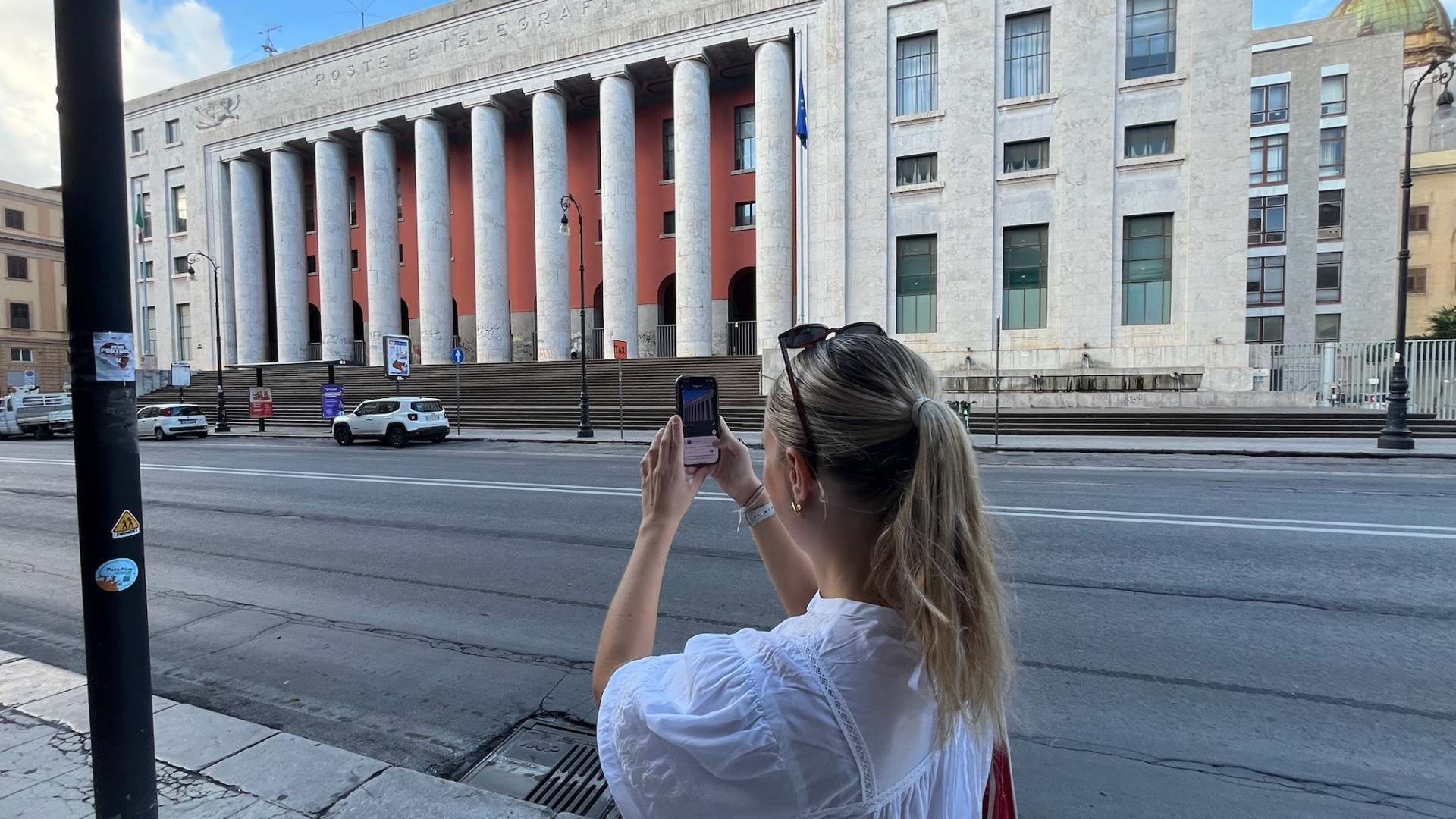
WANDERING around a city or holiday destination can be amazing until you realise you know nothing about what is surrounding you.
So we tested the free Google Lens app that allows you to search for information on a building or landmark by simply taking a photo.

3
All you have to do is go into the dedicated Google Lens app or open the Google app and in the search bar, tap the little camera icon.
Assistant Travel Editor Sophie Swietochowski recently tried it out on a trip to Palermo.
She said: “It will tell you everything about the monument in front of you.”
Sophie used it to scan a monument and within seconds it popped up saying that it was the Fontana Pretoria.
Read more on travel inspo
Heading to another spot, Sophie tested the tool out again.
She said: “There we go – the Quattro Canti – it is telling me all about its history and telling me exactly where I am.”
So far, the app had passed two of Sophie’s tests.
Pointing to another beautiful building, Sophie tested the app a third time and said: “This is the Palermo Cathedral.
“It’s telling me the cathedral showcases a blend of architectural styles including Norman, Gothic, Byzantine, Arab, Swabian, Romanesque and Baroque. And that’s due to numerous rebuildings throughout its history.”
The app also told Sophie about the historical significance of the building, including its features and what is inside.
It even recommended the rooftop to get some of the best views of Sicily and Palermo.
She added: “It’s amazing, I wouldn’t have known that unless I’d used this.
“It’s a fantastic app, it can tell you so many things about buildings that you’d have no idea about.
“The fact is you don’t have to plan, you can just stroll, take a picture of something and find out about something.”
When it comes to her overall verdict, Sophie definitely thinks it is worth it.
She said: “Google Lens was the best travel companion I could have asked for on a recent trip to Italy.

3
“My only regret was not discovering it sooner, as I could have saved myself nearly £80 on a sightseeing tour.”
It doesn’t have to be buildings either, it can be plants and animals too.
Sophie added: “Every time I spotted an historic-looking building, or a fascinating piece of architecture, I whacked out Google Lens.
“The handy tool not only accurately identified each building, it gave me key bullet points on the history of the structure and how it operates in the modern world.
“By the time I got round to my official sightseeing tour, I’d already learned about all the key landmarks from Google Lens.”
Top 10 hacks when on holiday
- Rolling clothes to save space
- Bringing snacks to avoid expensive airport food
- Always having paper versions of your documents
- Using a portable charger
- Packing a small first aid kit
- Using public transport instead of taxis
- Saving digital copies of travel documents
- Booking accommodations with free breakfast
- Notify your bank to avoid card blocks
- Downloading offline maps to find your way around
Here are also all the iPhone tips and hacks Travel Reporter Cyann Fielding always uses when on holiday – from money tricks to free sightseeing guides.
Plus, the sneaky way to find the UK’s best hidden gems and empty beaches away from the crowds – and it won’t cost you a penny.

3