Knowing how to fast travel in GTA Online will help you quickly travel from your mansion to any property or business you currently own.
The fast travel function was finally added to GTA Online as part of the a Safehouse in the Hills update in December 2025. Now, you will need to own one of the Prix Luxury mansions to be able to do this at the time of writing.
On that note, here’s how to fast travel in GTA Online.
How to fast travel in GTA Online
To fast travel in GTA Online, you need to use mansion services. Yes, this does mean that you’ll need to purchase one of the Prix Luxury Real Estate mansions – this will cost you a small fortune as the cheapest one is around 11 million dollars.
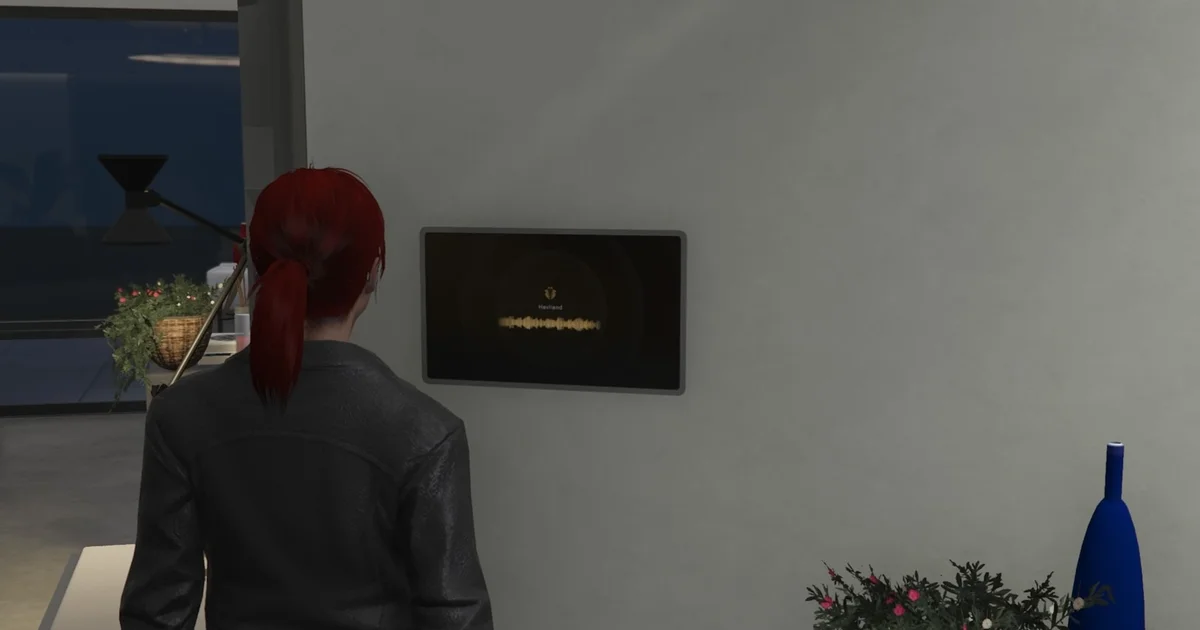
When you’ve got a mansion, walk up to any of the AI assistant panels dotted around the property and interact with it when prompted to open up the pop up menu. Then, select the ‘Fast Travel’ option that appears at the top.

Then, you’ll be shown a list of property types that you can travel to. Any that you don’t own will be greyed out in this menu. Select one property type, and this will open up another menu – stick with me, we’re almost there.

In the next menu, you’ll be shown the current properties you own that align with that property type. For example, if you choose ‘Properties’ you’ll be shown the houses and apartments you own.
Then, from the list that you’re currently being shown, pick a property to fast travel to. Confirm you want to do this and you’ll instantly be transported there. It’s a bit of a long-winded way of fast travelling, but it’s an easy way of travelling across the city in no time at all.

That’s all for now! If you’re looking for more GTA Online help, check out our pages showing you how to get a dog, how to get a cat, and how to start KnoWay Out.